
Mobile App Push (Centagate Authenticator)
CENTAGATE® Features: Mobile SDK
Secure Logins with Multiple Layers of Protection
Centagate is packed with powerful security features designed to protect your users, data, and systems — without compromising on speed or user experience.
Free Consultation
What is MFA?
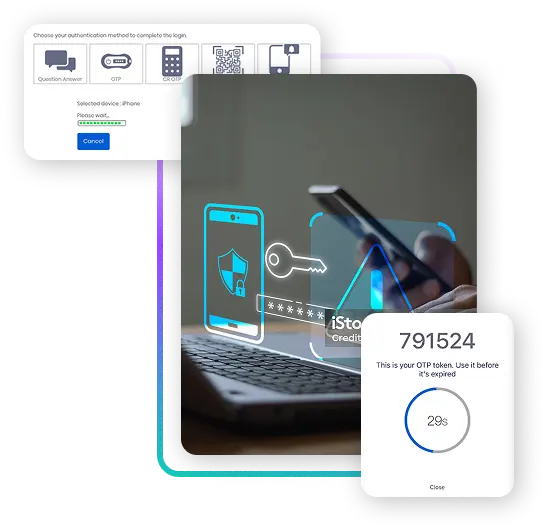
Multi-Factor Authentication (MFA) adds an extra layer of security beyond just a username and password.
It verifies a user’s identity using two or more factors:
- Something you know (password)
- Something you have (mobile device, token)
- Something you are (fingerprint, face)
How CENTAGATE® Does It Better
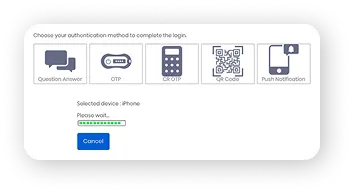
CENTAGATE lets you choose and combine multiple authentication methods, depending on your users, risk level, and access policies.
Supported Authentication Factors:
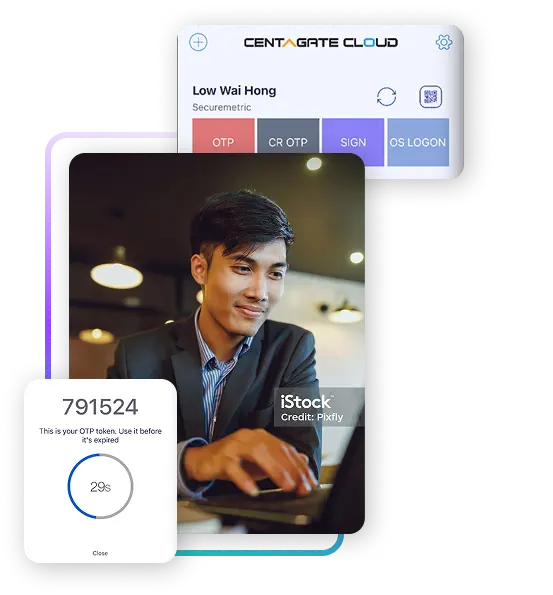
Meet CENTAGATE® Your Identity Security Partner
Centagate Turnkey Solution is a ready-to-deploy identity and access management (IAM) platform that secures your environment without the typical hassle.
You get a full IAM setup — pre-configured, locally supported, and enterprise-ready — so you can protect access across web apps, VPNs, and cloud services quickly.
Here’s how it works
Step 1
Assess & Align
We evaluate your environment — users, systems, access points — and tailor the setup to match your needs.
Step 2
Deploy & Integrate
We deliver a fully set up instance of Centagate (on-prem or cloud), integrated with your apps, directories, VPNs, and policies.
Step 3
Train & Support
Most people still reuse the same password everywhere — or write it on a sticky note. That’s how attackers get in. One weak login can open the door to your entire system.

Where You Can Use MFA?
CENTAGATE MFA works across:

CENTAGATE MFA works across:
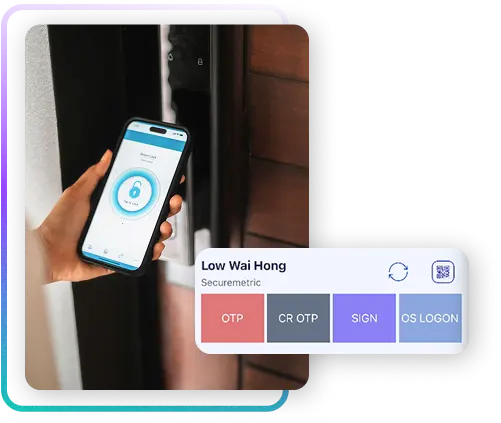
Using CENTAGATE® (and Passwordless)
Key Benefits of Using MFA
Enhance security and privacy by implementing multi-factor authentication, custom partner and device extensions, and layered policy and access controls.

Prevent Credential Theft
MFA makes stolen passwords useless without the second factor.

Flexible User Experience
Every user from Admin, Supervisor to Team have different views and workflow.

Centralised Policy Management
Define MFA rules from a single admin panel. No more siloed tools.
Easy Rollout
MFA can be enabled by group, user type, or integration — no need for rip-and-replace.
FAQs
Frequently asked question about Mobile SDK